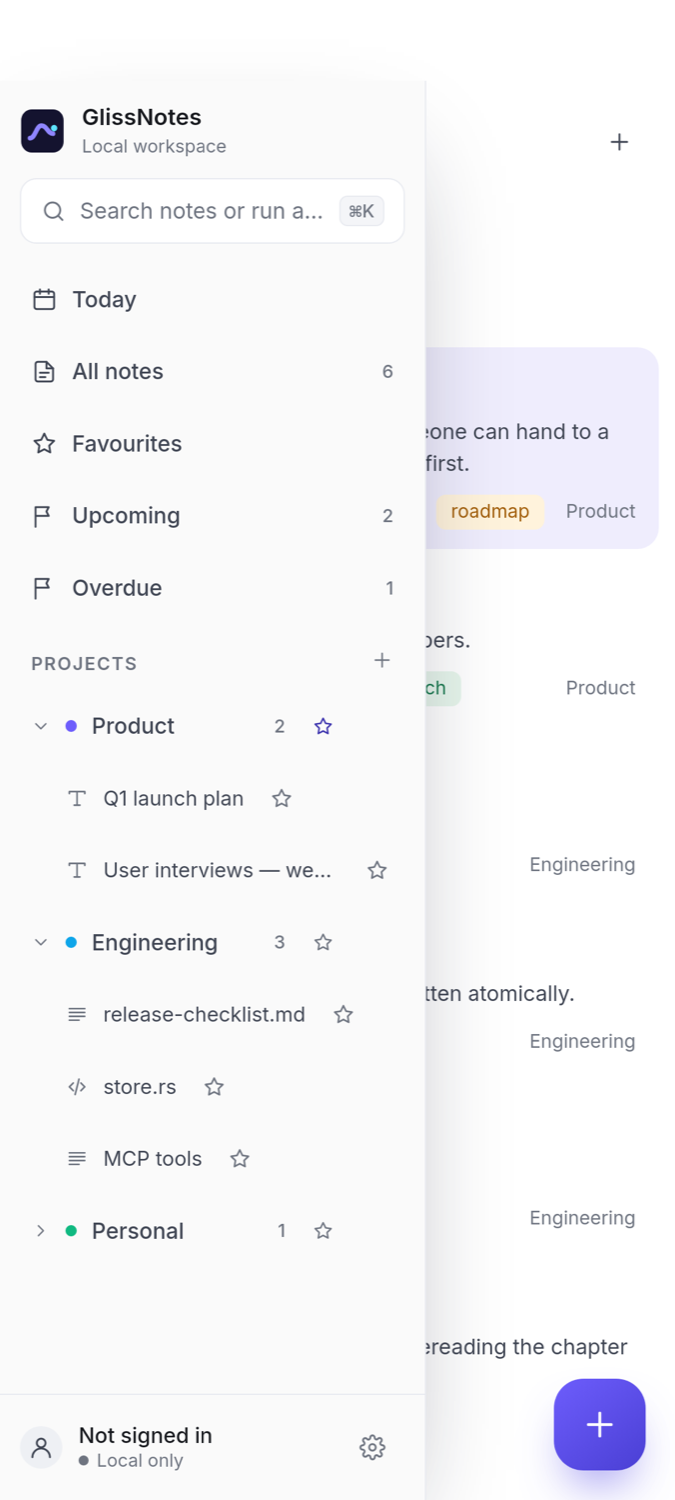
Built for people who keep notes all day and want them to open instantly, stay theirs, and still be organised.
Three views, one text
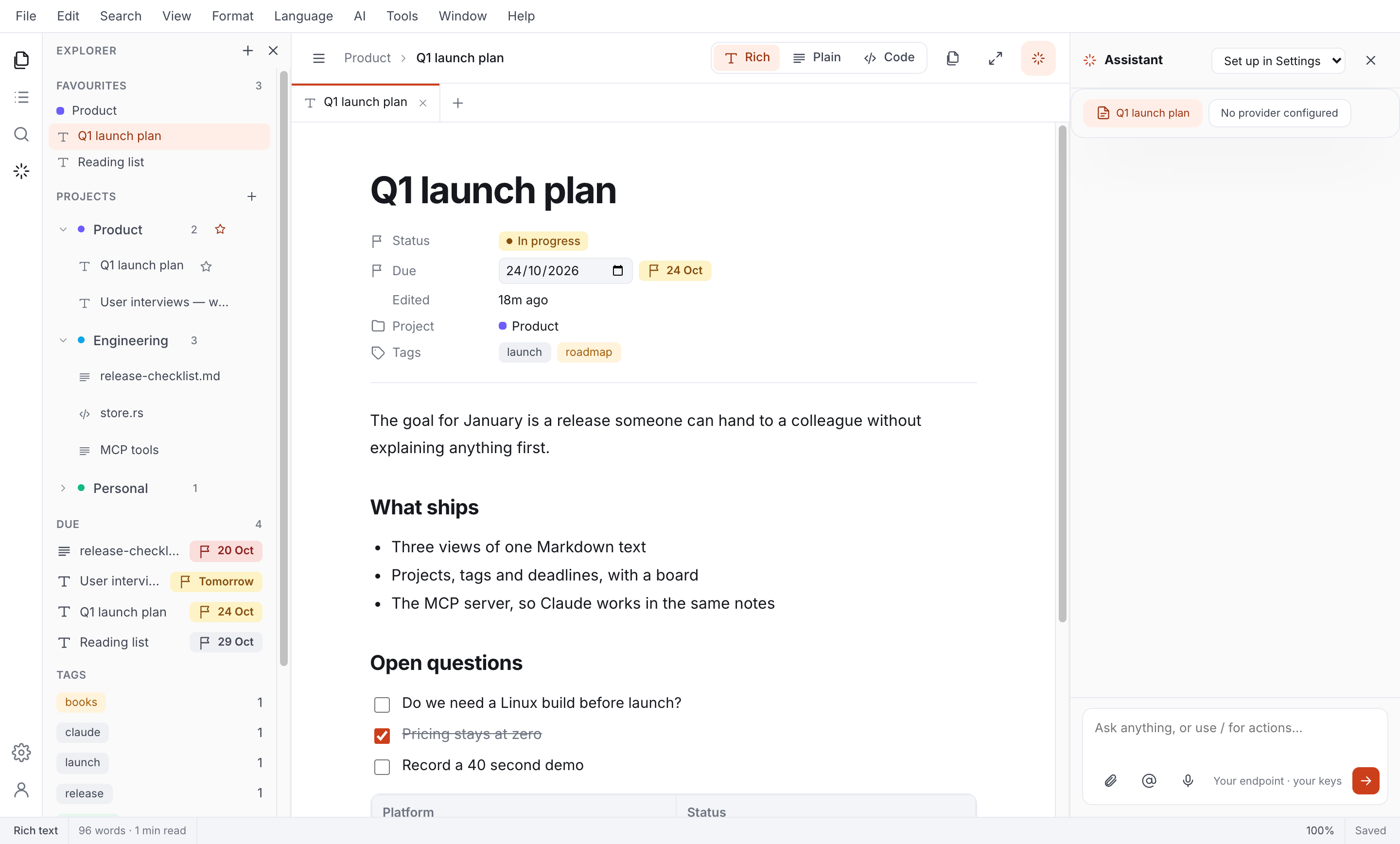
Write in rich text, strip it back to plain, or switch to code with line numbers and a minimap. The same Markdown underneath, always.
Projects, tags, deadlines
Colour-coded projects, tags that cut across them, and due dates that surface in Upcoming and Overdue before they bite.
A board for status
Drag notes between Draft, In progress, In review and Done. Status is a normal property, so it works everywhere.
Built for Claude
Every install is an MCP server. One click adds it to Claude Desktop or Claude Code, and Claude works in the same notes you do.
Small and quick
Rust and Tauri, not a bundled browser. A 5 MB app that opens instantly and handles hundred-thousand-line files without blinking.
Your notes stay yours
A plain notes.json on your machine, written atomically, with a daily backup you can restore in two clicks.
The editor
Switch how you see it, not what it is
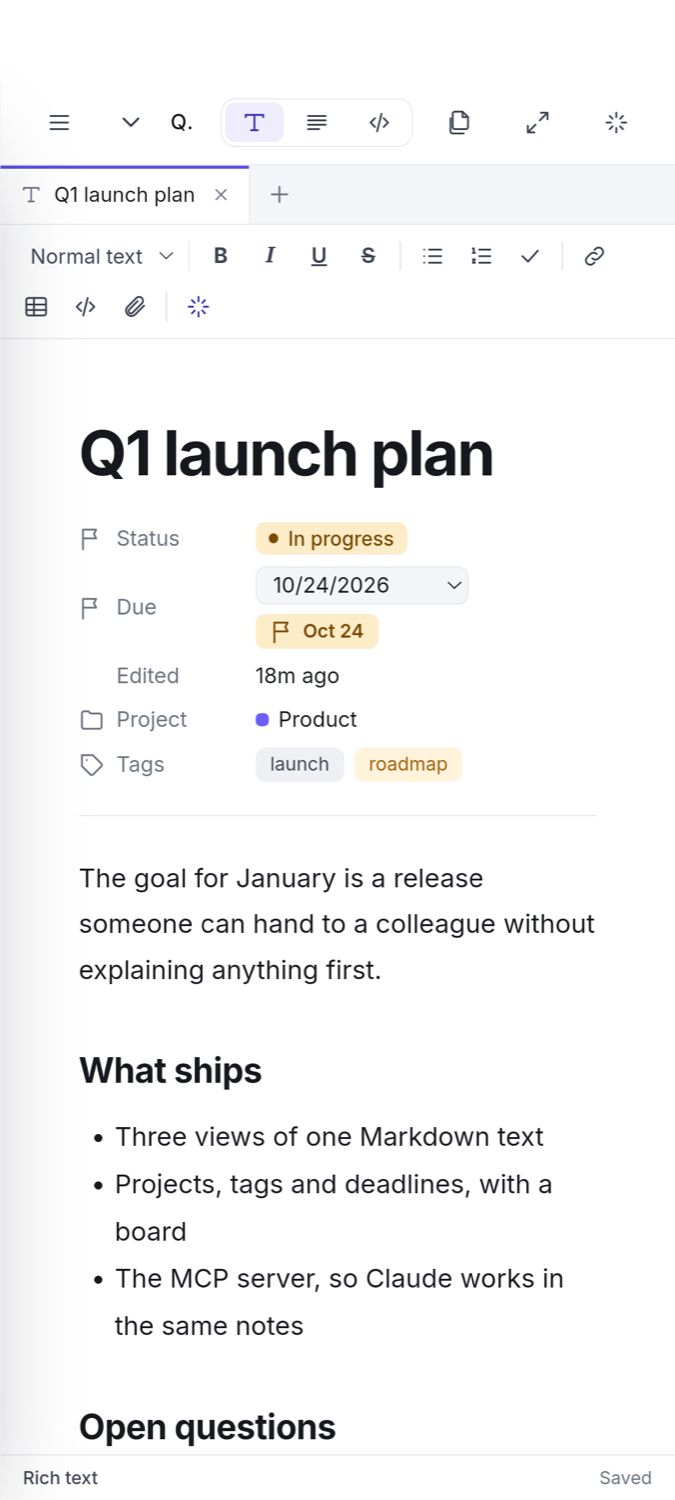
A note is Markdown. Change the view whenever the work changes — nothing is converted and nothing is lost.
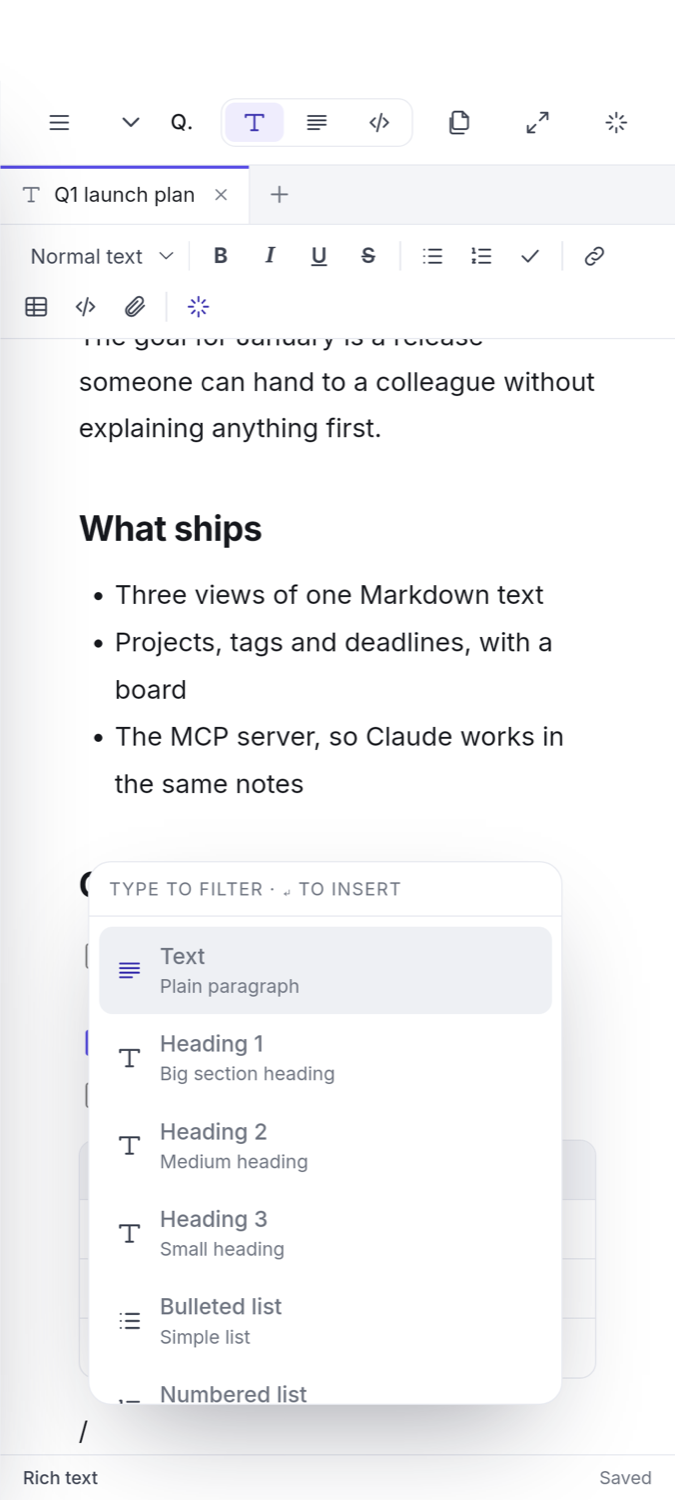
Rich — headings, lists, checkboxes, tables and code blocks
Plain — just the words, for thinking
Code — line numbers, highlighting, minimap, word wrap
store.rs — code view
Organise
A board that moves with your week
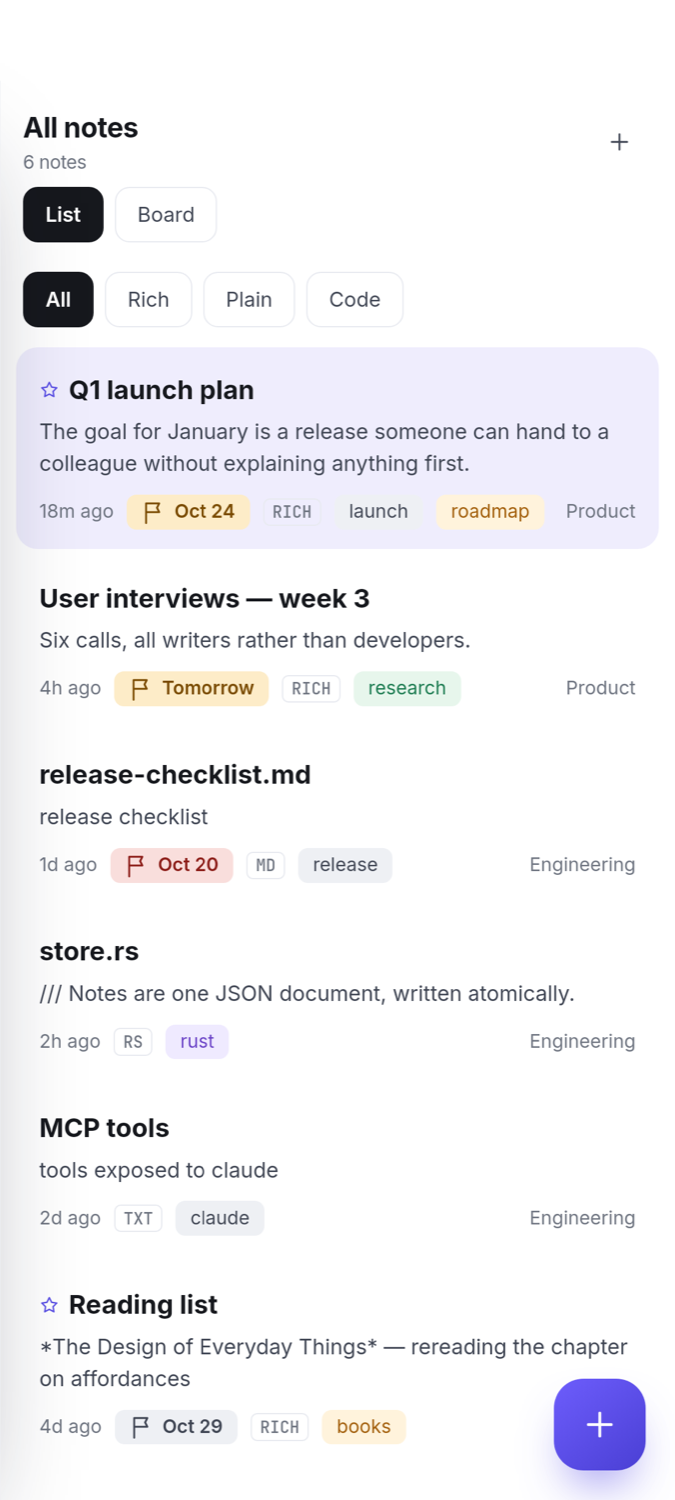
Switch the workspace from List to Board and every note becomes a card. Drag it to another column to change its status; click it to open.
Draft, In progress, In review and Done out of the box
Due dates turn amber as they approach, red when late
Filter by project or tag and the board follows
Board — Draft to Done
Claude & MCP
Let Claude work in your notes
GlissNotes is an MCP server as well as an app. Add it once and Claude can search, read, write and organise the same notes you are editing — locally, over stdio.
// Settings → Claude & MCP → Add to Claude Desktop "glissnotes": { "command": "…/GlissNotes", "args": ["--mcp"] }
Settings — Claude & MCP
Search
One box for everything
⌘K searches titles, contents, tags and projects, shows the matching line, and runs every command in the app.
Regex find and replace, in one note or across all
Quick open by file name, go to line, reopen closed
Every menu command without touching a menu
Command palette
Getting started
Writing in under a minute
Download or open the web app
A 5 MB installer for macOS or Windows, or just open it in the browser. No account, no setup wizard.
Start typing
The first line becomes the title. Add a project, a tag or a due date whenever you actually need one.
Connect Claude, optionally
One click in Settings and Claude can search and write in your notes — still stored only on your machine.
On your phone
A real Android app
An APK built from the same Rust core as the desktop app — not a shortcut to a website. On iPhone, the web app installs to the home screen instead.
Free, open source, and the same app on every platform.
Platform
Package
Size
Builds are not code-signed yet. macOS: right-click → Open on first launch. Windows: choose “More info → Run anyway”. Installation help.
Questions
Good to know
Is it really free?
Yes — free and open source under Apache-2.0, with no paid tier and no account required. Sync is optional and runs on infrastructure you can point at your own Supabase project.
Where are my notes stored?
In a single notes.json in your application data folder, written atomically so an interrupted save cannot corrupt it. One snapshot is kept per day — the last fourteen — and any of them can be restored from Settings.
Do I have to sign in?
No. Everything works offline with no account. Sign in only if you want the same workspace on another computer or in the browser; notes opened from files on disk are never uploaded.
What does the Claude integration actually do?
GlissNotes runs as an MCP server on your machine. Once added, Claude can list and search notes, read one, create or append to notes, update titles, tags, status and due dates, and save prompts you reuse. Nothing is sent anywhere else.
Can I share a note with someone?
Yes, and you do not need an account. Create a link from any note, choose how long it lasts, and anyone with it can read that note in their browser. You can see how many people opened it, on what kind of device, and stop sharing whenever you like.
Do you use cookies or analytics?
No. The site and the web app set no cookies and run no analytics. Without an account, your notes live only in your own browser; the privacy section spells out exactly where everything is stored.
Does it handle big files?
Yes. The code view is built on a piece table, so a hundred-thousand-line log opens and edits as smoothly as a short note.
Is there an Android or iOS app?
The web app installs to the home screen on Android as a PWA and works offline. Native mobile apps are not available yet.
Start writing today
Download the desktop app or open it in your browser. It takes less time than reading this page.